Atomiq
 |
|  |
### Option 3: [Atomiq Exchange](https://app.atomiq.exchange/) (Supports Bitcoin and Lightning routes)
For deposits less than 10 BTC or deposits via the Bitcoin Lightning network use atomiq.exchange
**Steps:**
1. Go to [app.atomiq.exchange](https://app.atomiq.exchange/)
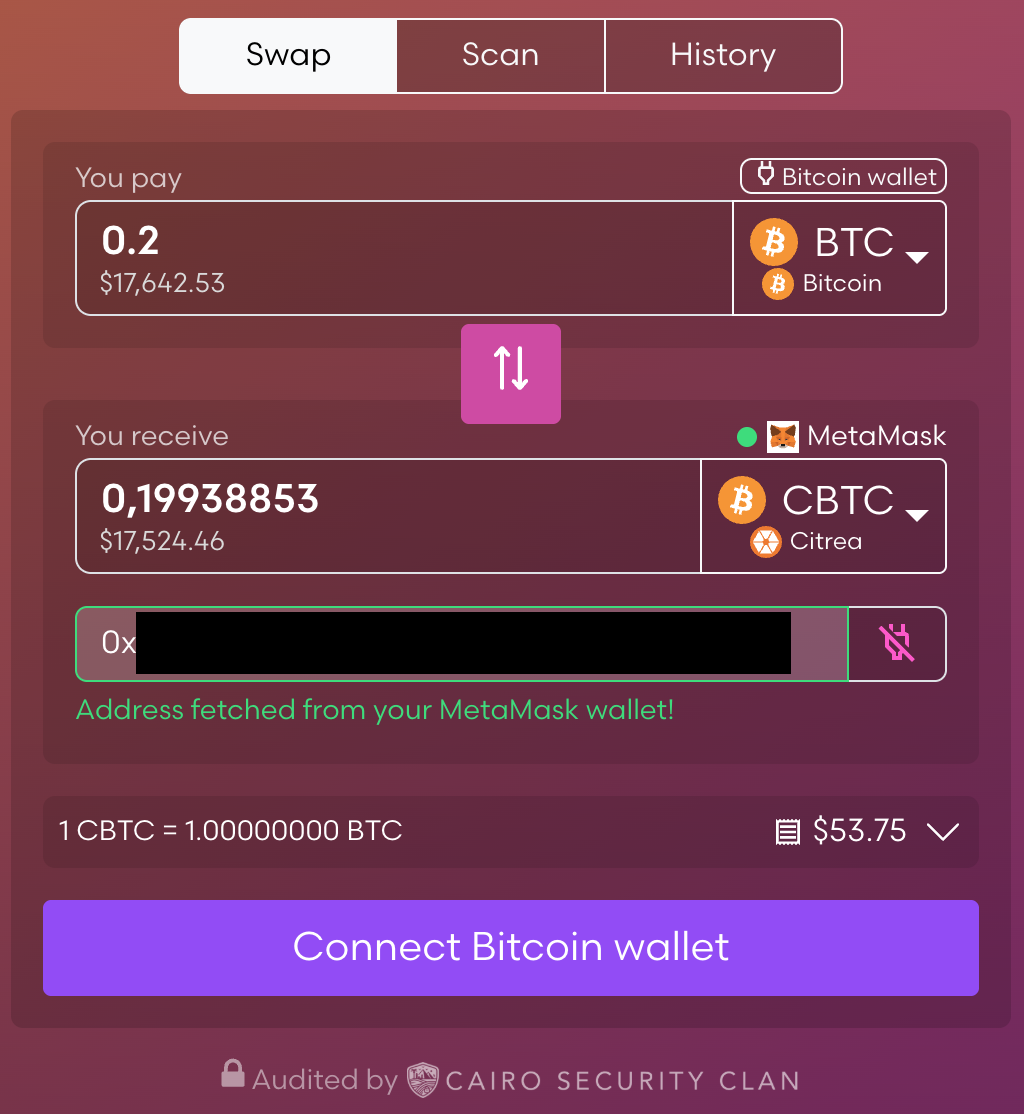
2. Bitcoin on-chain is pre-selected as the source, if you wish to swap from Bitcoin Lightning Network, select the Bitcoin (lightning L2) asset in the "You pay" section
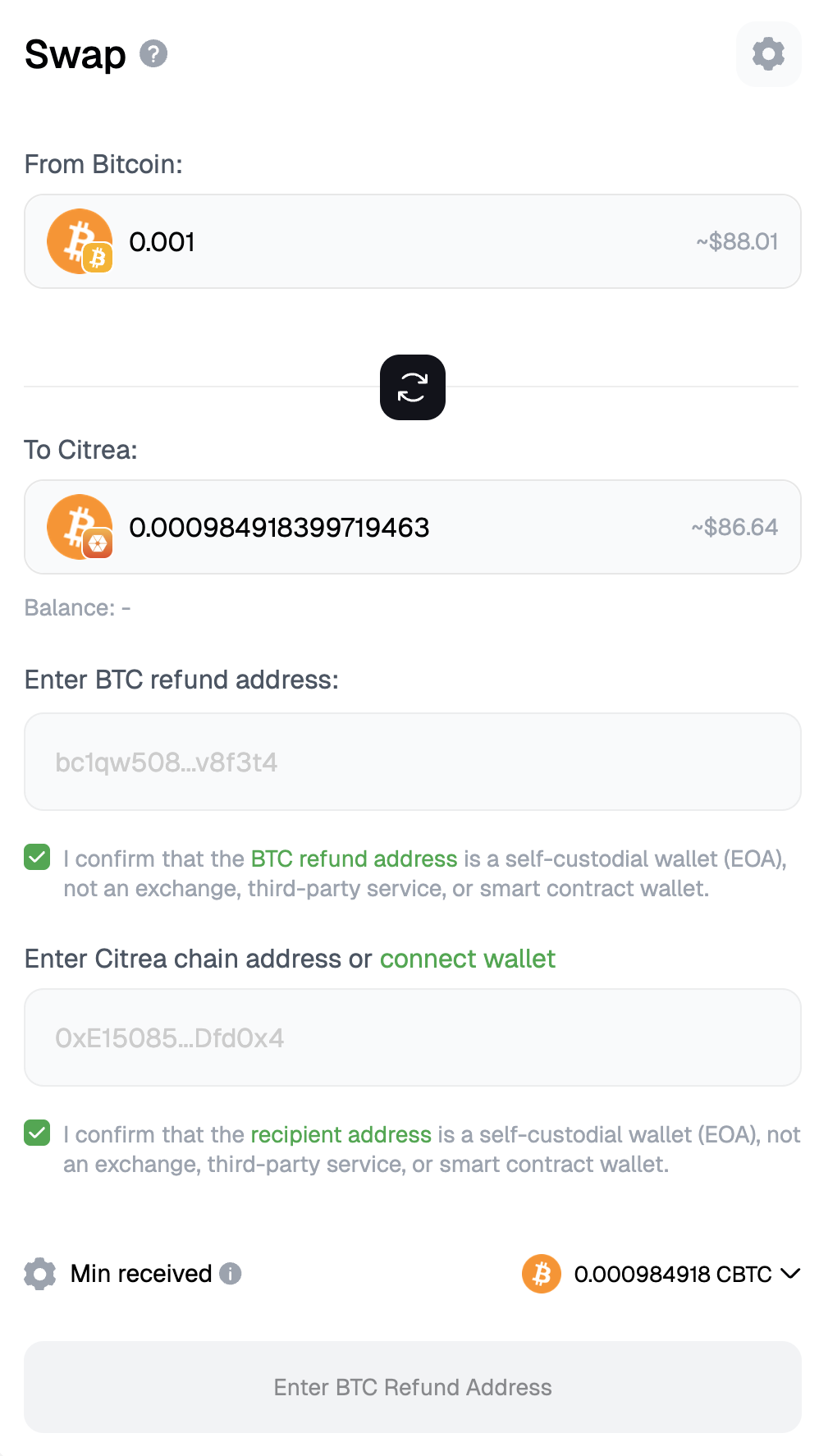
3. Enter the amount you want to bridge (you can specify either input or output amounts)
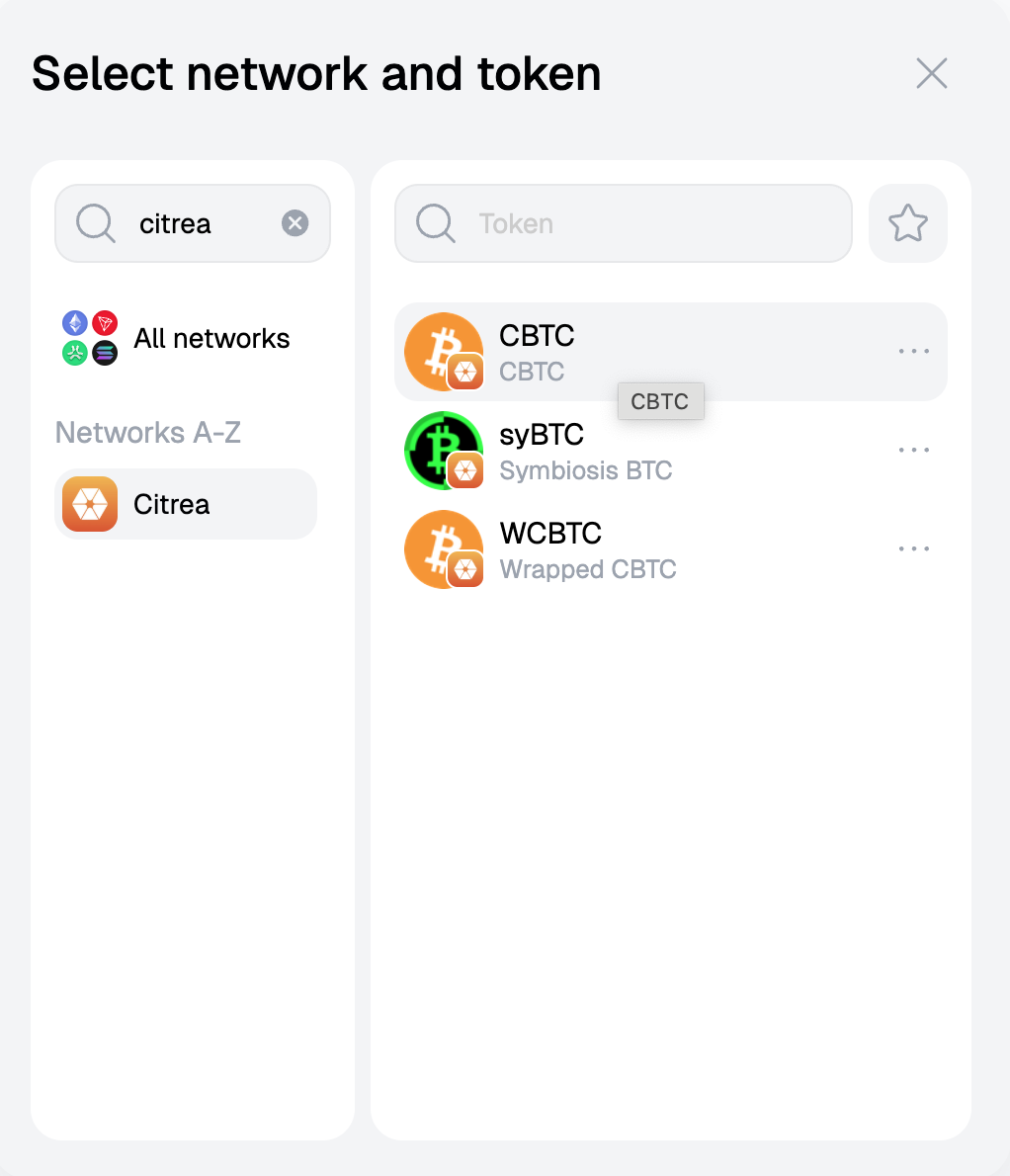
4. Connect your Citrea wallet or type in the destination Citrea address
5. Connect your Bitcoin wallet (e.g. UniSat, Xverse or Magic Eden), not required for swap from Bitcoin Lightning Network
6. Click Initiate swap and confirm the transaction in your Bitcoin wallet, or send over the funds to the presented lightning network invoice (in case of Bitcoin Lightning Network)
7. The swap settles automatically after the bitcoin transaction gets confirmed (2 confirmations take on average 20 minutes), this is instant for Bitcoin Lightning Network
|
### Option 3: [Atomiq Exchange](https://app.atomiq.exchange/) (Supports Bitcoin and Lightning routes)
For deposits less than 10 BTC or deposits via the Bitcoin Lightning network use atomiq.exchange
**Steps:**
1. Go to [app.atomiq.exchange](https://app.atomiq.exchange/)
2. Bitcoin on-chain is pre-selected as the source, if you wish to swap from Bitcoin Lightning Network, select the Bitcoin (lightning L2) asset in the "You pay" section
3. Enter the amount you want to bridge (you can specify either input or output amounts)
4. Connect your Citrea wallet or type in the destination Citrea address
5. Connect your Bitcoin wallet (e.g. UniSat, Xverse or Magic Eden), not required for swap from Bitcoin Lightning Network
6. Click Initiate swap and confirm the transaction in your Bitcoin wallet, or send over the funds to the presented lightning network invoice (in case of Bitcoin Lightning Network)
7. The swap settles automatically after the bitcoin transaction gets confirmed (2 confirmations take on average 20 minutes), this is instant for Bitcoin Lightning Network
Atomiq
Bridge via Bridge Hub with LayerZero
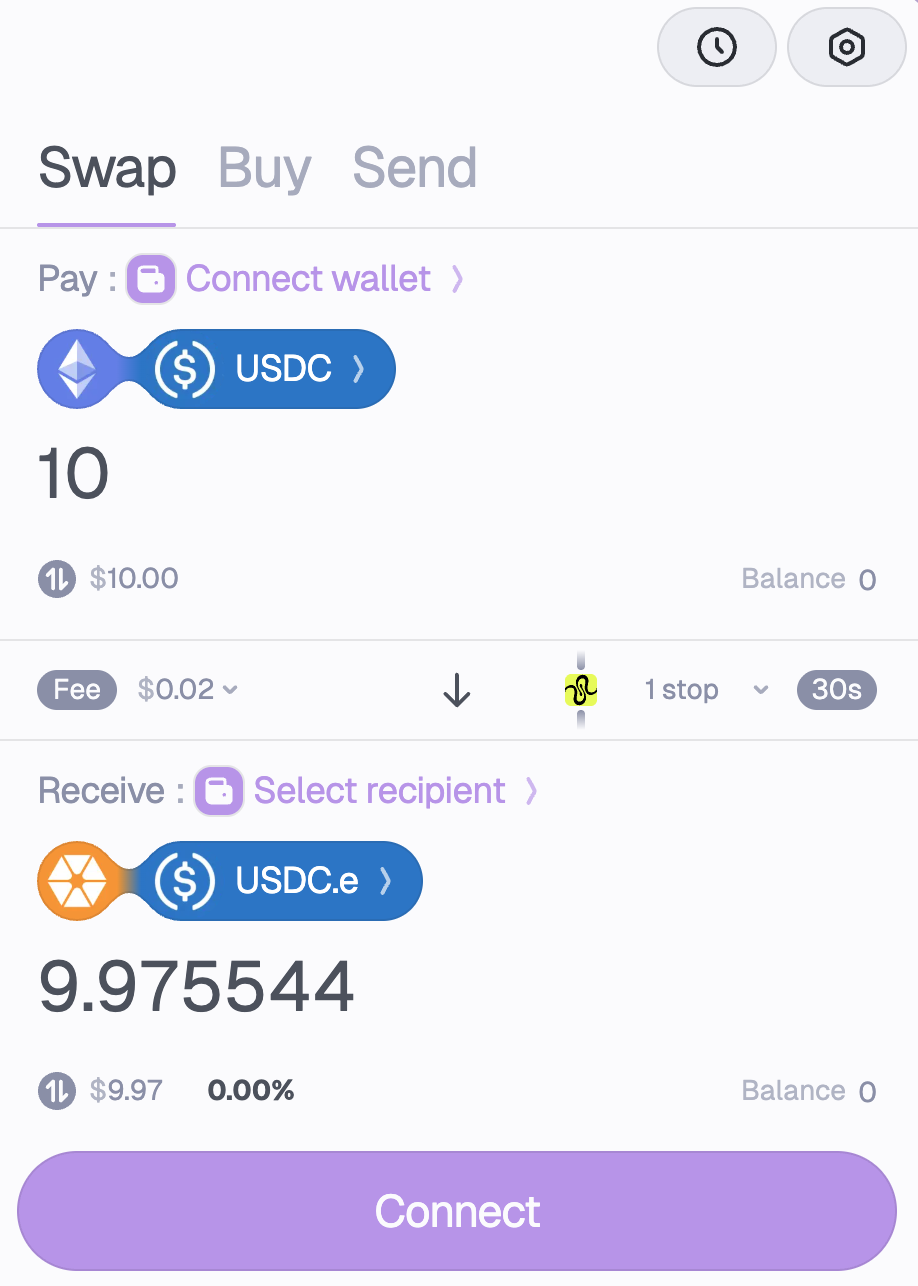
Squid Router Bridge
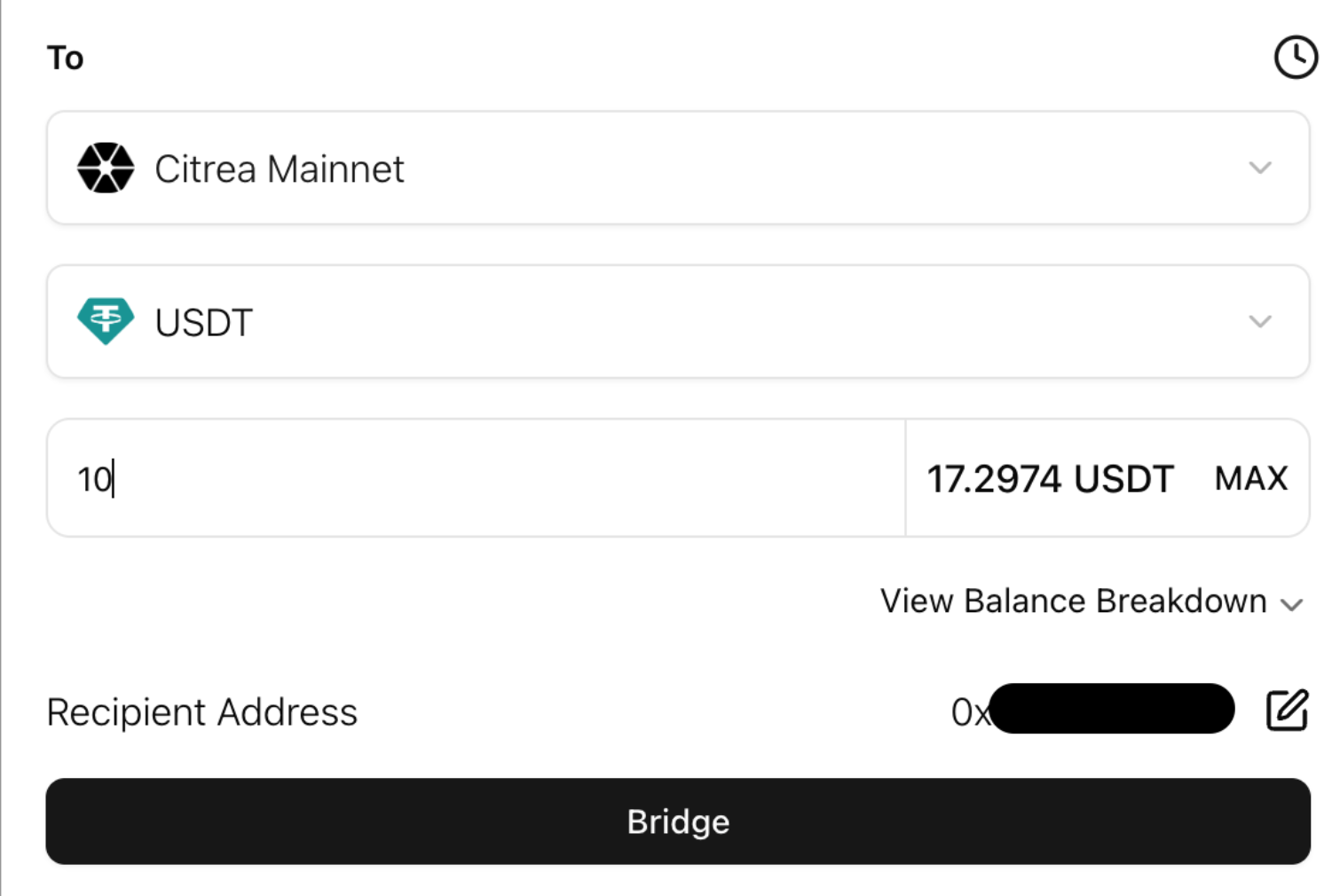
Avail Citrea Bridge
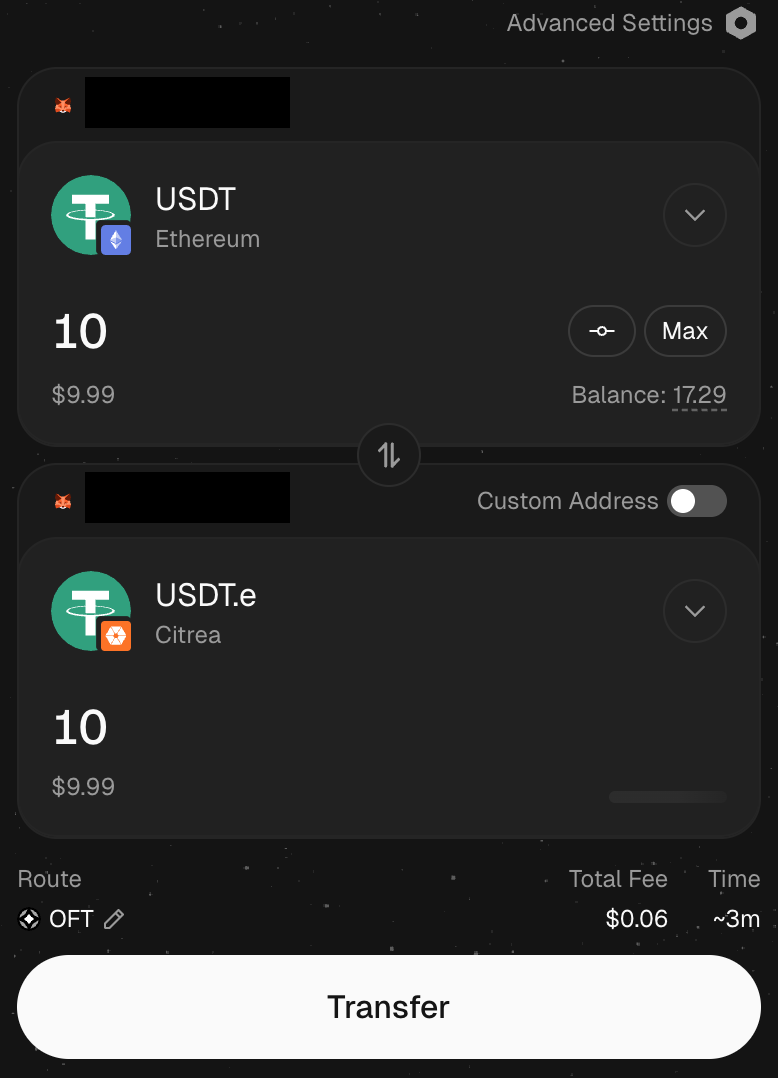 |
|  |
{% hint style="success" %}
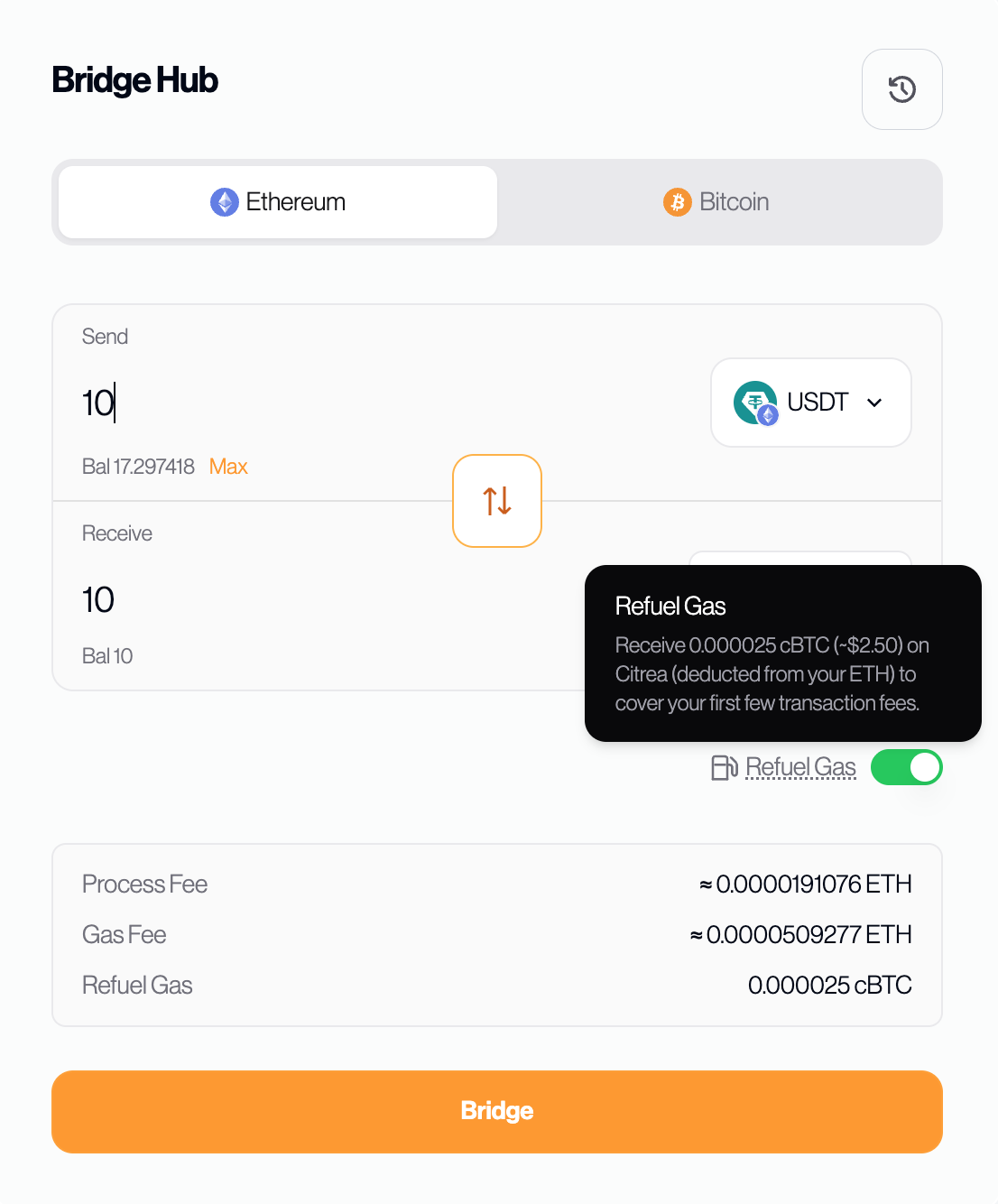
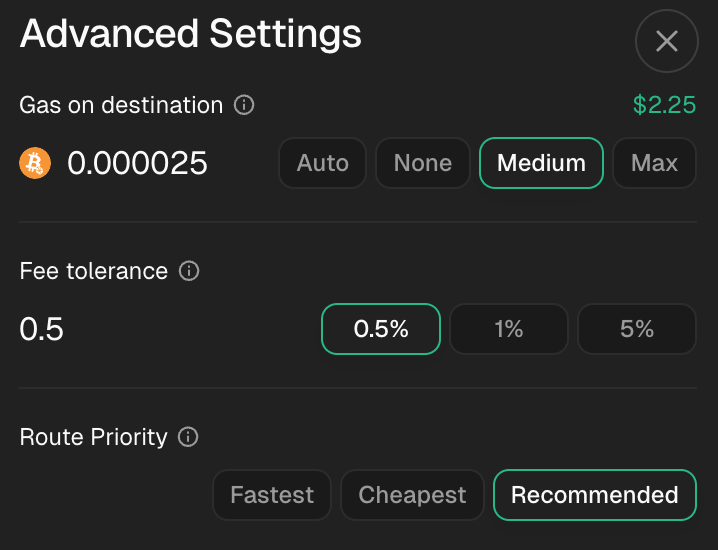
This route supports gas refuel which allows you to send native gas (cBTC) to the Citrea to cover transaction fees. The equivalent amount is deducted from your source chain balance. Note that this is only available for LayerZero-supported routes where the input and output assets are the same (e.g., USDC → USDC.e, USDT → USDT.e, WBTC → WBTC.e).
{% endhint %}
|
{% hint style="success" %}
This route supports gas refuel which allows you to send native gas (cBTC) to the Citrea to cover transaction fees. The equivalent amount is deducted from your source chain balance. Note that this is only available for LayerZero-supported routes where the input and output assets are the same (e.g., USDC → USDC.e, USDT → USDT.e, WBTC → WBTC.e).
{% endhint %}